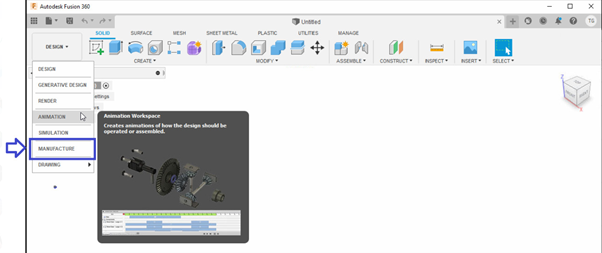
Issue :
Apabila saat menjalankan software Autodesk, tidak muncul Manufacture pada tab Design seperti pada gambar berikut :
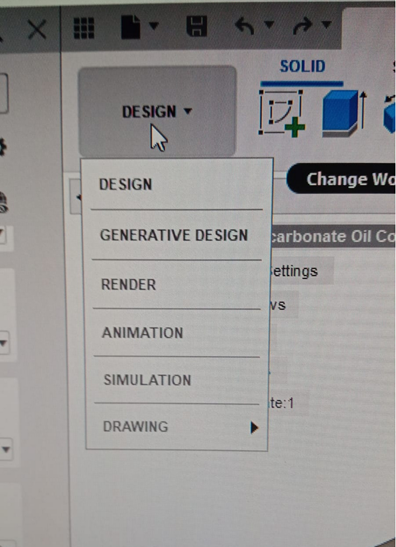
Penyebabnya:
- Fusion 360 corrupt
- Versi Fusion 360 belum update
Solusinya:
- Uninstall & Download Fusion 360 :
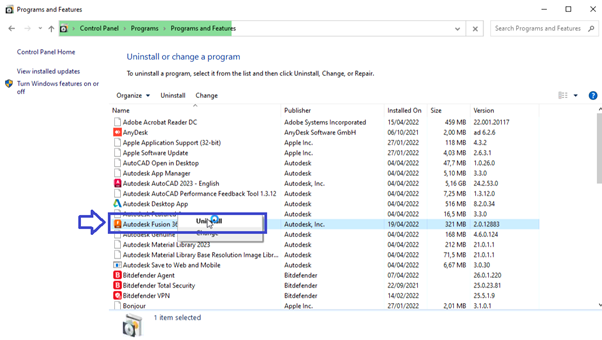
- Ke Control Panel > klik Programs and Features > Cari Autodesk Fusion 360 > klik kanan: pilih Uninstall
- Kemudian muncul “We are sorry to see you go” > pilih Uninstall
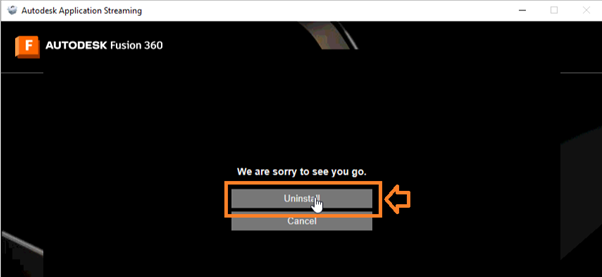
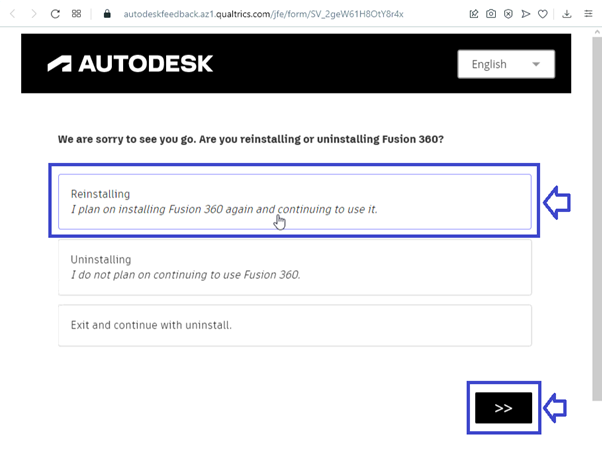
- “We are sorry to see you go. Are you reinstalling or uninstalling Fusion 360?” > pilih Reinstalling > Next (>>)
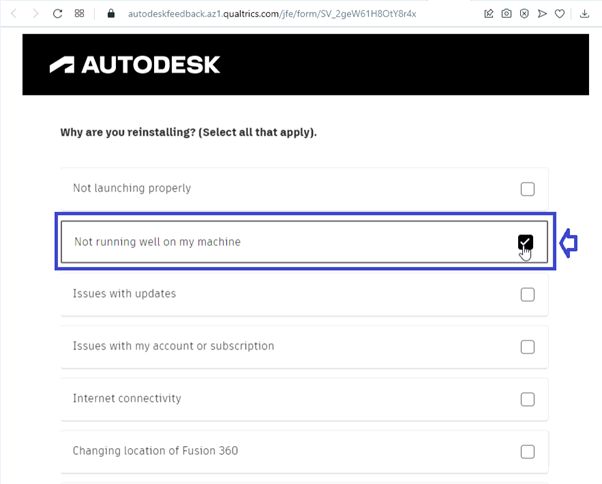
- “Why are you reinstalling? (Select all that apply)” > pilih Not running well on my machine > Next (>>)
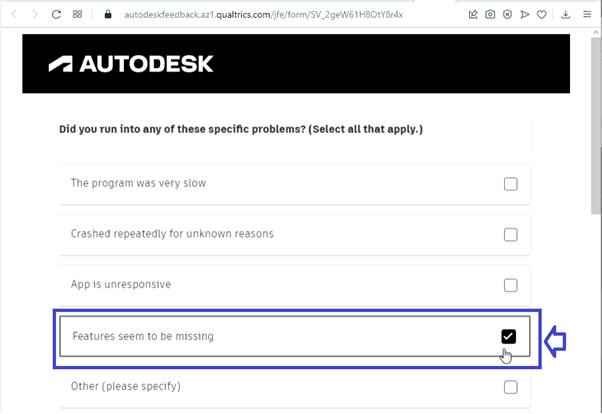
- Did you run into any of these specific problems? (Select all that apply.) > pilih Features seem to be missing > Next (>>)
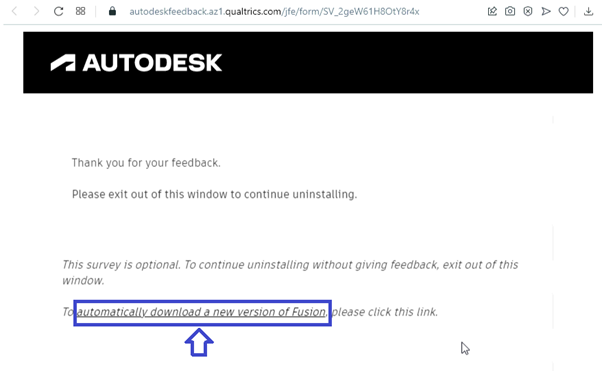
- Klik automatically download a new version of Fusion
- Simpan file tersebut pada folder directory yang diinginkan > Klik Save

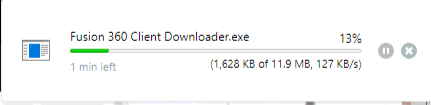
- Tunggu hingga proses download selesai
- Install Fusion 360 :
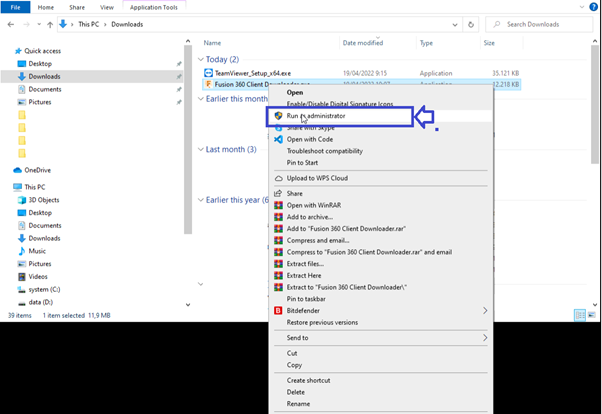
- Ke folder penyimpanan file > cari Fusion 360 Client Downloader.exe > klik kanan Run as administrator
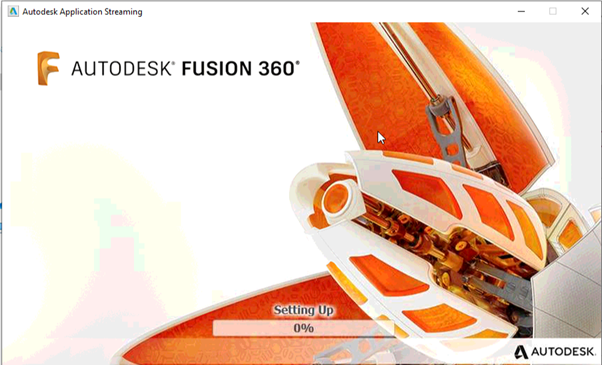
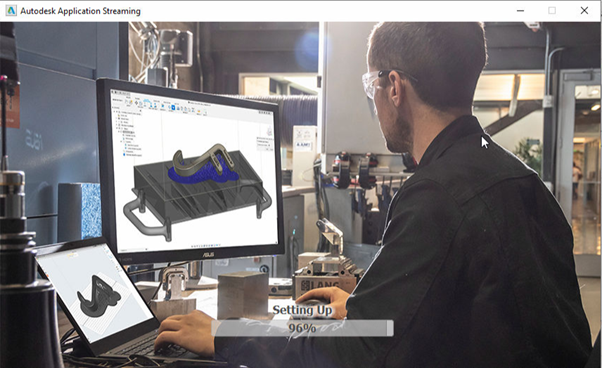
- Tunggu hingga proses install selesai
- Jika muncul Sign in > masukkan email dan password Autodesk
- Kemudian cek kembali pada tab DESIGN